What's new
TerraForums - Carnivorous Plant Community

Welcome to TerraForums — a long-running carnivorous plant community established in 2001. Register for free to join the conversation, ask questions, and connect with growers from around the world.

NASC Auction will open in...

Read the rules first :)
NASC auction is OPEN!!

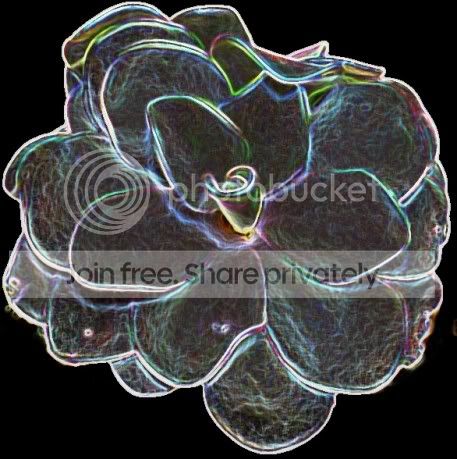
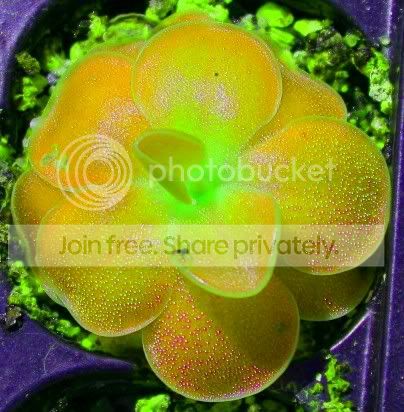
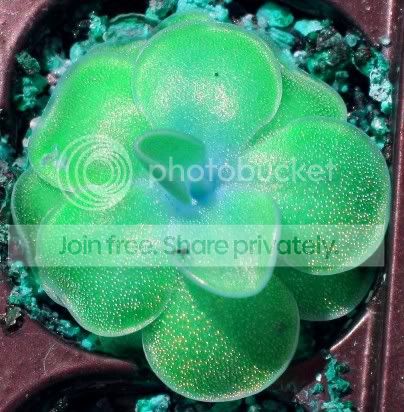
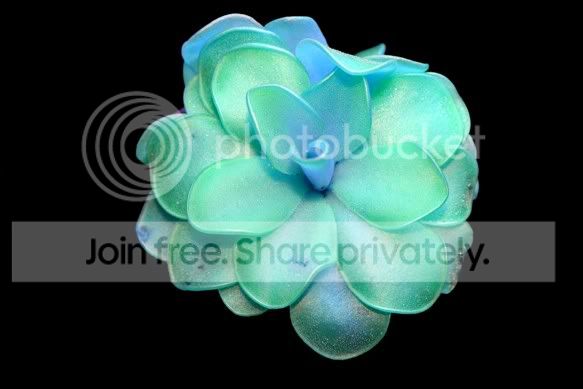
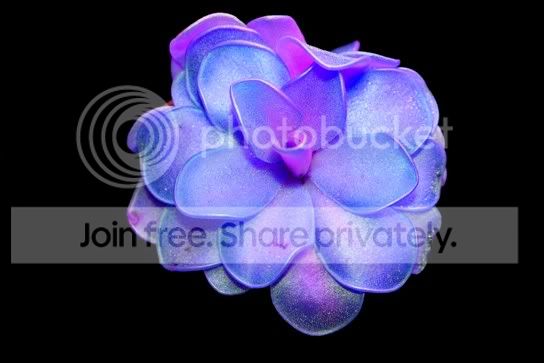
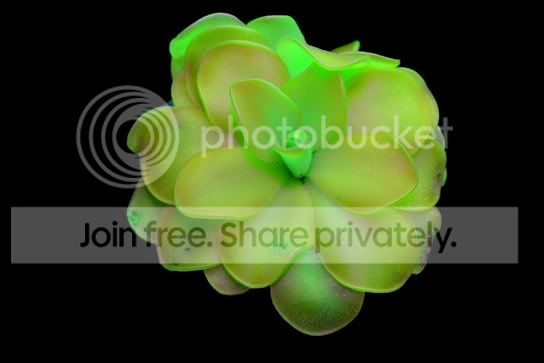
playing around with photos, glowing pings

I am learning to use microsoft digital photo.
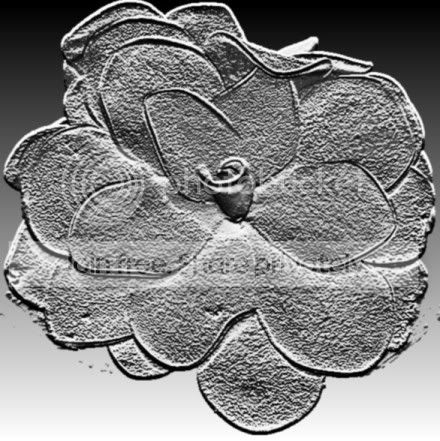
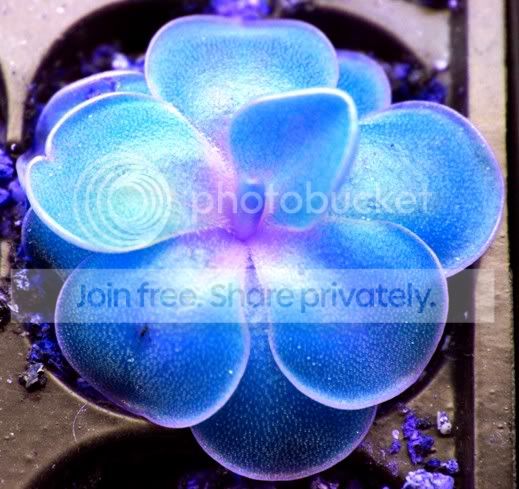
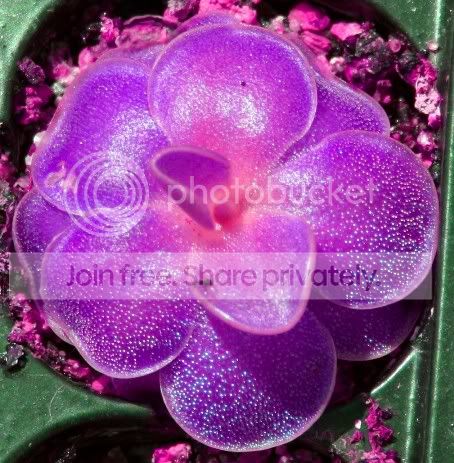
I messed with some ping pics:)

Pirouetteblackglowedges.jpg


metal
Pirouetteblackmetal.jpg


colors

blueping.jpg


weserphotocroppurple.jpg


weserphotocroppurpleorange.jpg


weserphotocropturquoise.jpg


These are my favorite glowing pings
Pirouetteblackblueglow.jpg


pirouhirescutoutblue.jpg


Pirouetteblackgreenglowjpg2.jpg


peace,
Zero
 
jimscott,
I used microsoft digital image 2006. Photoshop is way to expensive!
the colored ones I used a tool called 'change hue'. the last 3 I had to blacken the background, use a automatic selection 'magic wand' to select just the ping, then use the change hue tool.
the 1st 2 I used filters.
This is my 1st time using the program and I am just playing with all the tools to figure out what they do.
I might try some nep pics next:)
 
Photoshop is great for this kinda stuff, it can be pricey (I think CS4 the latest version is $700), thus I'm still using PS7 about an 8 years old version (back when it was only $500). They have something called Photoshop Elements (about $90) which has most of the crazy filters and color adjustments, just not all of the more high end Photo editing and digital painting tools.

One thing I really dislike though is when plant and gardening catalogs use Photoshop to make their plants / flowers appear to have these better, more interesting colors using the hue / saturation shift options. To me it's false advertising when it's in a catalog - not when done just for fun like above.

These would make cool Bday / Xmas cards for CPers! :)
 
I have elements, it's great and I can see no reason why photoshop 7 would be 5x more expensive (I've used both and see little difference, really). Great edited pics! That's some really smooooth magic wanding you did on the black background ones. The 1st one is filter -- stylize -- glowing edges in photoshop, in case anyone wanted to try it.
 
Back
Top